


Introduction
Search engine optimization (SEO) is essential for improving a website’s visibility in search results. Even the most well-designed website may struggle to attract visitors if it is not optimized for search engines.
WordPress provides a strong foundation for SEO, but proper configuration and optimization are necessary to achieve the best results. In this article, we’ll explore the fundamental WordPress SEO practices that can help improve your website’s ranking and increase organic traffic.
Choose an SEO-Friendly WordPress Theme
Your website’s theme can affect both performance and search engine rankings. A well-coded and lightweight theme helps search engines crawl and index your website more efficiently.
When selecting a theme, make sure it:
- Is mobile responsive
- Loads quickly
- Uses clean and optimized code
- Supports proper heading structure
A fast and responsive theme creates a better experience for both users and search engines.
Use an SEO Plugin
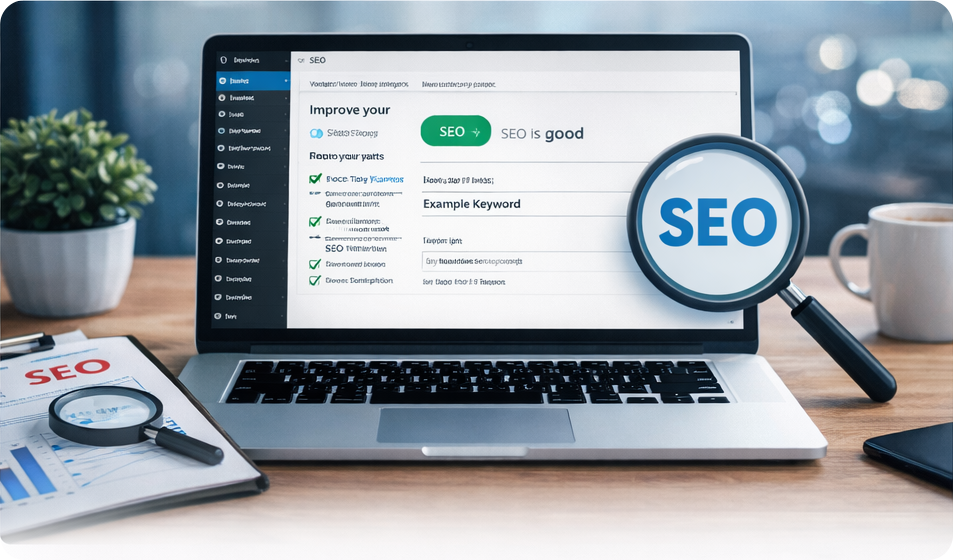
SEO plugins make it easier to optimize your website for search engines. These tools help manage important SEO elements such as meta titles, descriptions, and XML sitemaps.
Popular features provided by SEO plugins include:
- Custom meta titles and descriptions
- XML sitemap generation
- Keyword optimization guidance
- Readability analysis
Using an SEO plugin ensures that your pages follow best practices for search engine visibility.
Optimize Page Titles and Meta Descriptions
Your page title and meta description appear in search engine results, making them important for attracting visitors.
Your page title and meta description appear in search engine results, making them important for attracting visitors.
- Include relevant keywords
- Clearly describe the content of the page
- Encourage users to click through to your website
Well-written titles and descriptions improve both SEO and click-through rates.
Use Proper Heading Structure
Headings help organize your content and make it easier for both users and search engines to understand the page.
A typical structure includes:
- H1: Main page title
- H2: Major sections
- H3: Subsections within those sections
Using a clear heading hierarchy improves readability and helps search engines better understand your content.
Improve Website Speed
Website speed is a ranking factor for search engines. A slow website can negatively impact both SEO and user experience.
Ways to improve WordPress speed include:
- Compressing images
- Using caching plugins
- Minimizing unnecessary plugins
- Optimizing CSS and JavaScript files
A faster website keeps visitors engaged and improves search performance.
Optimize Images for SEO
Images should be optimized to help search engines understand your content while maintaining fast loading times.
Best practices include:
- Using descriptive file names
- Adding alt text to images
- Compressing images to reduce file size
- Using modern image formats when possible
Optimized images improve both accessibility and SEO.
Create High-Quality Content
Content remains one of the most important factors in SEO. Search engines prioritize valuable and relevant content that answers users’ questions.
To improve content SEO:
- Focus on helpful and informative topics
- Use keywords naturally within the text
- Break content into clear sections
- Update older content regularly
High-quality content builds authority and encourages visitors to stay longer on your site.
Final Thoughts
WordPress SEO doesn’t have to be complicated. By focusing on the fundamentals—fast performance, optimized content, proper headings, and SEO-friendly plugins—you can significantly improve your website’s search visibility.
Consistent optimization and high-quality content will help your website grow its organic traffic and achieve better long-term results in search engines.