


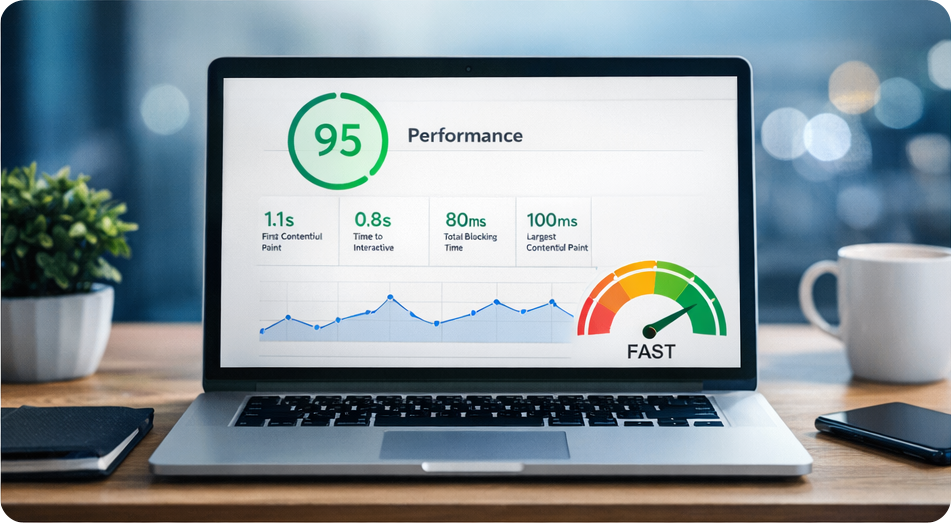
Website speed is one of the most important factors for user experience and search engine optimization. A slow website can lead to higher bounce rates, lower engagement, and reduced search rankings. For WordPress websites, performance optimization is essential to ensure visitors have a fast and seamless browsing experience.
In this article, I’ll share practical ways to improve WordPress website performance and keep your site running efficiently.
Choose Reliable Hosting
Your hosting provider plays a major role in your website’s performance. A good hosting service provides faster server response times, better security, and improved stability.
When selecting hosting for a WordPress website, look for providers that offer optimized WordPress environments, solid uptime guarantees, and responsive technical support. Reliable hosting helps ensure that your website loads quickly even during periods of higher traffic.
Use Lightweight Themes
Some WordPress themes include many built-in features that can slow down your website. Choosing a lightweight and well-coded theme helps reduce unnecessary scripts and improves loading speed.
A clean and optimized theme allows you to build visually appealing pages without sacrificing performance.
Optimize Images
Large image files are one of the most common reasons for slow websites. Compressing images before uploading them to your website can significantly reduce page load times.
Using the correct image format, resizing images to the appropriate dimensions, and applying compression tools can help maintain image quality while improving performance.
Limit the Number of Plugins
Plugins add functionality to WordPress, but having too many plugins can affect website speed and stability. Some plugins may also load unnecessary scripts that increase page load time.
It’s best to install only the plugins you truly need and regularly review your plugin list to remove those that are no longer necessary.
Enable Caching
Caching improves website performance by storing static versions of your pages. When visitors access your site, the cached version loads faster instead of generating the page dynamically every time.
Caching solutions can significantly reduce server load and improve page speed for returning visitors.
Keep WordPress Updated
Keeping WordPress core files, themes, and plugins updated is essential for both performance and security. Updates often include bug fixes, performance improvements, and security patches that help your website run more efficiently.
Regular maintenance ensures your site continues to perform well over time.
Optimize CSS and JavaScript
Many websites load multiple CSS and JavaScript files that can slow down page loading. Minifying and combining these files helps reduce file size and improve loading speed.
Optimizing these assets ensures that your website loads smoothly without unnecessary delays.
Final Thoughts
Improving WordPress website performance doesn’t require complex technical changes. With the right combination of reliable hosting, optimized images, efficient plugins, and proper caching, you can significantly improve your website’s speed and user experience.
A fast website not only keeps visitors engaged but also helps improve search engine visibility. By applying these best practices, you can create WordPress websites that are secure, high-performing, and built for long-term success.