


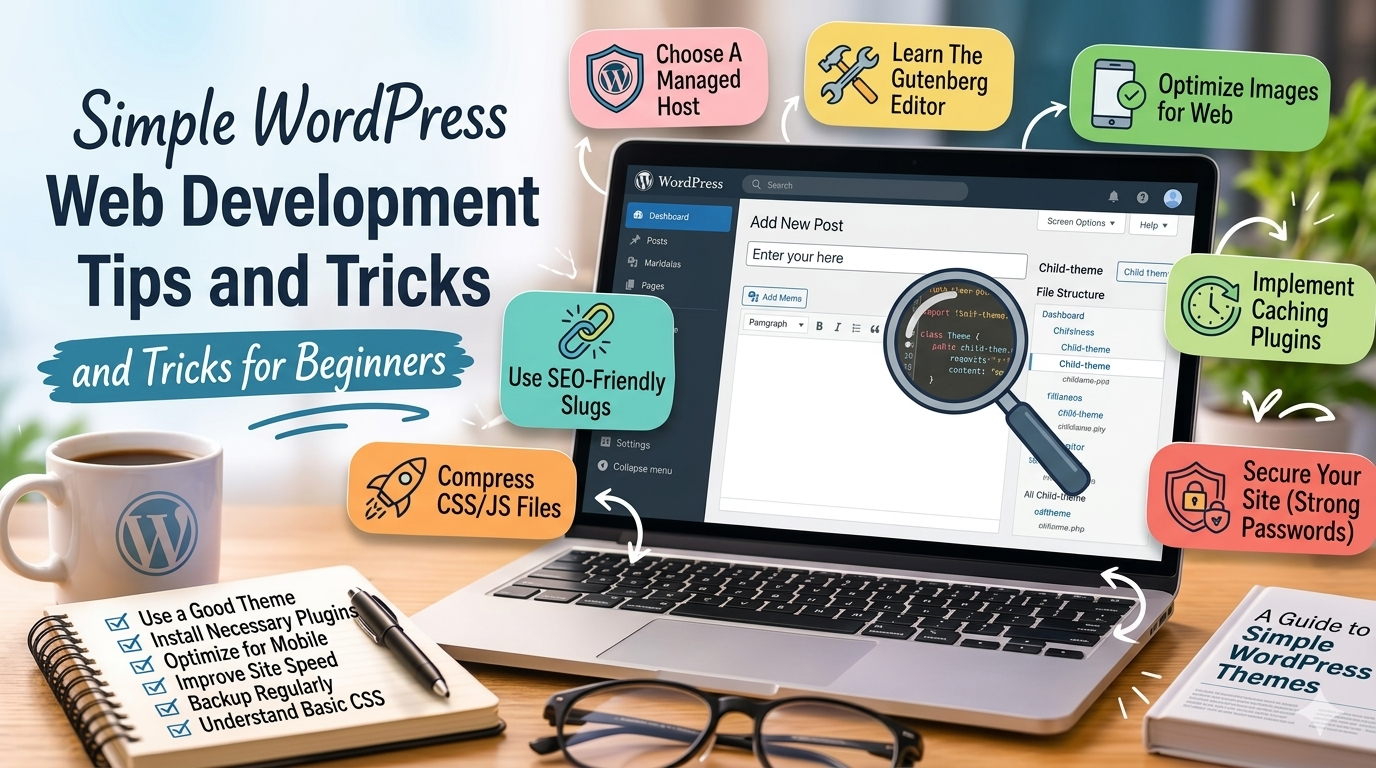
Simple WordPress Web Development Tips and Tricks for Beginners
WordPress is one of the easiest and most popular platforms for building websites. Whether you are creating a personal blog, portfolio, or business website, learning a few simple tips can help improve your website’s performance, design, and user experience.
Here are some beginner-friendly WordPress web development tips and tricks to help you build better websites.
Choose a Lightweight Theme
A good theme affects your website’s speed and appearance. Some themes include too many features that can slow down your website.
When choosing a WordPress theme:
- Pick a clean and simple design
- Choose a mobile-friendly theme
- Avoid overly complicated layouts
- Use lightweight themes for better speed
Simple themes are easier to customize and maintain.
Only Install Necessary Plugins
Plugins add extra features to your WordPress website, but too many plugins can cause problems.
Too many plugins may:
- Slow down your website
- Create compatibility issues
- Increase security risks
Install only the plugins you truly need and remove unused ones regularly.
Optimize Your Images
Large image files are one of the biggest reasons websites become slow.
Helpful image tips:
- Resize images before uploading
- Compress images to reduce file size
- Use WebP image format when possible
- Avoid uploading very large photos directly from phones or cameras
Faster websites improve user experience and SEO.
Keep WordPress Updated
Always keep your:
- WordPress version
- Themes
- Plugins
updated regularly.
Updates help:
- Improve security
- Fix bugs
- Improve compatibility
- Add new features
Before updating, create a backup of your website.
Use Strong Security Practices
WordPress websites can become targets for hackers if security is ignored.
Simple security tips:
- Use strong passwords
- Limit login attempts
- Install a security plugin
- Enable SSL certificates
- Keep everything updated
Basic security measures can help protect your website and data.
Test Your Website on Mobile Devices
Many visitors browse websites using phones and tablets. A website that works only on desktop can create a poor user experience.
Check your website on:
- Smartphones
- Tablets
- Different browsers
Make sure text is readable and buttons are easy to click.
Organize Your Website Properly
A clean website structure makes navigation easier for visitors.
Good practices include:
- Simple menus
- Clear page titles
- Organized categories
- Easy-to-find contact information
Well-organized websites look more professional and are easier to manage.
Backup Your Website Regularly
Website problems can happen anytime because of updates, plugin conflicts, or accidental mistakes.
Regular backups help you restore your website quickly if something goes wrong.
You can:
- Use backup plugins
- Use hosting backups
- Save copies locally or in cloud storage
Backups are essential for every WordPress website.
Learn Basic SEO
SEO helps your website appear in search engine results.
Simple SEO tips:
- Use proper headings
- Write clear page titles
- Add meta descriptions
- Optimize images
- Create useful content
Good SEO helps attract more visitors over time.
Final Thoughts
You do not need advanced coding skills to create a good WordPress website. Simple habits like keeping your website updated, optimizing images, using fewer plugins, and maintaining clean design can already make a huge difference.
Start with the basics, continue learning, and improve your website step by step.