


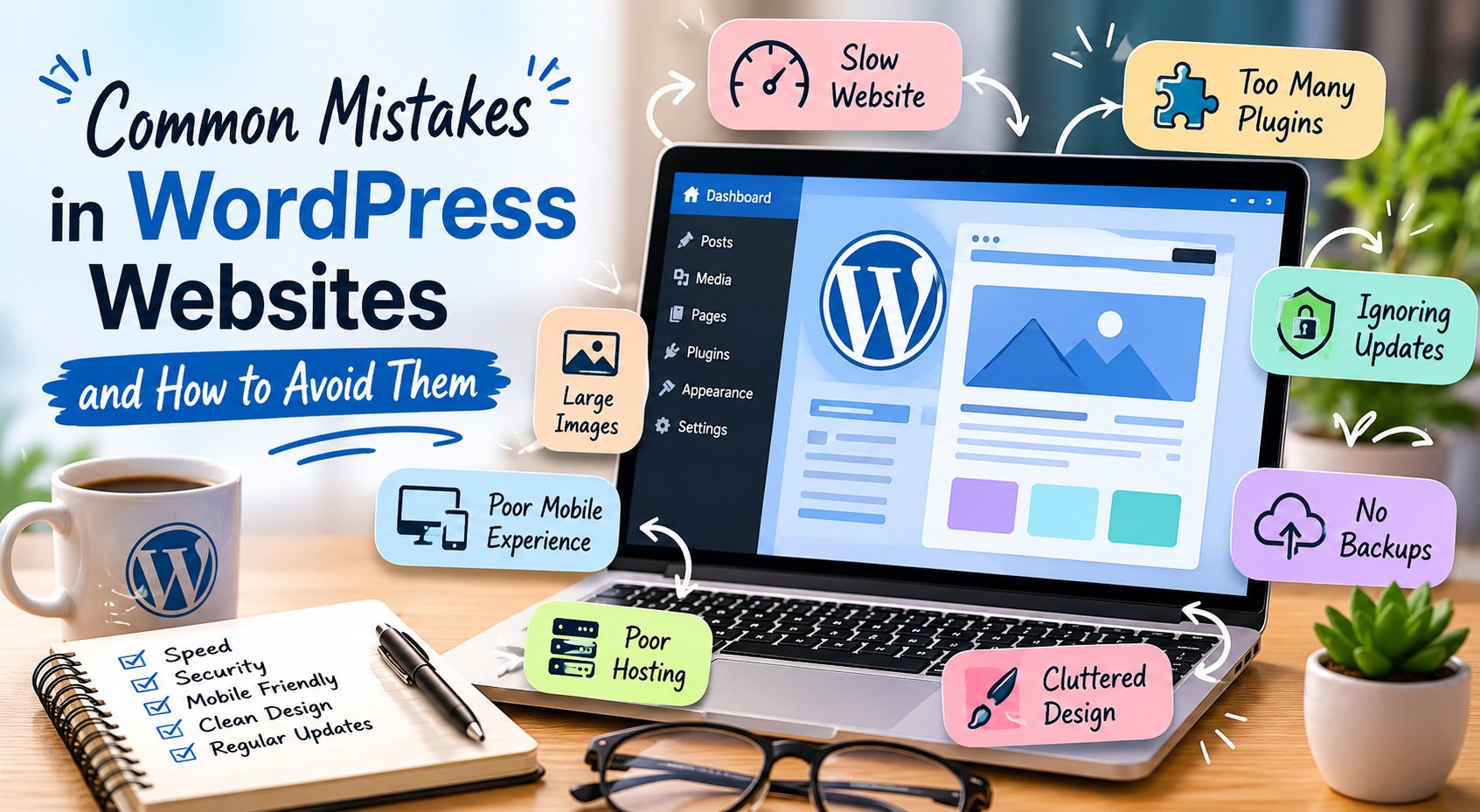
Common Mistakes in WordPress Websites and How to Avoid Them
WordPress is one of the most popular website platforms today because it is flexible, beginner-friendly, and powerful. However, many WordPress websites still experience problems that affect speed, security, and user experience.
Here are some common mistakes in WordPress websites and simple ways to avoid them.
Installing Too Many Plugins
Plugins add useful features to WordPress websites, but installing too many can slow down your site and create conflicts.
Common problems caused by excessive plugins:
- Slow loading speed
- Website errors
- Security risks
- Compatibility issues
Only install plugins you truly need and regularly remove unused ones.
Using Large Images
Uploading high-resolution images without optimization can make your website slow.
To improve performance:
- Resize images before uploading
- Compress image files
- Use modern formats like WebP when possible
Fast websites provide a better experience for visitors and improve SEO.
Ignoring WordPress Updates
Many website owners forget to update WordPress, themes, and plugins. Outdated software can create security vulnerabilities and compatibility issues.
Regular updates help:
- Improve security
- Fix bugs
- Improve performance
- Add new features
Always create backups before updating your website.
Choosing Poor Hosting
Your hosting provider affects your website speed, uptime, and overall performance.
Cheap hosting may lead to:
- Slow websites
- Frequent downtime
- Poor support
- Security issues
Choosing reliable WordPress hosting can improve your website’s stability and speed.
Not Using Backups
Website problems can happen anytime due to hacking, plugin conflicts, or accidental changes.
A backup allows you to restore your website quickly if something goes wrong.
You can:
- Use backup plugins
- Enable hosting backups
- Store copies externally
Regular backups are essential for every WordPress website.
Poor Mobile Responsiveness
Many visitors browse websites using phones and tablets. A website that looks good only on desktop can frustrate mobile users.
Common mobile issues:
- Small text
- Broken layouts
- Hard-to-click buttons
- Slow loading
Always test your WordPress website on different devices and screen sizes.
Weak Security Practices
WordPress websites are common targets for hackers when security is neglected.
Simple ways to improve security:
- Use strong passwords
- Limit login attempts
- Install security plugins
- Keep themes and plugins updated
- Use SSL certificates
Basic security practices can help protect your website and visitors.
Cluttered Website Design
Too many colors, popups, sliders, and animations can make a website look messy and difficult to use.
A clean design helps visitors focus on your content and improves usability.
Keep your website:
- Simple
- Organized
- Easy to navigate
- Consistent in design
Final Thoughts
A successful WordPress website is not just about appearance. Speed, security, mobile responsiveness, and usability all play an important role in creating a professional online presence.
By avoiding these common mistakes and maintaining your website regularly, you can build a faster, safer, and more user-friendly WordPress website.